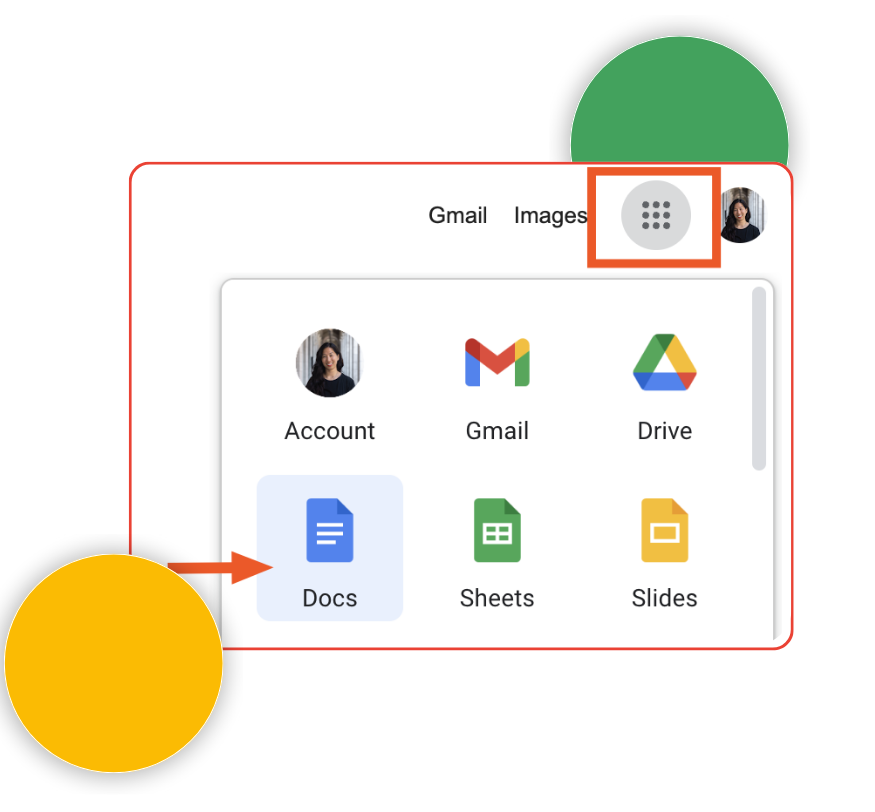
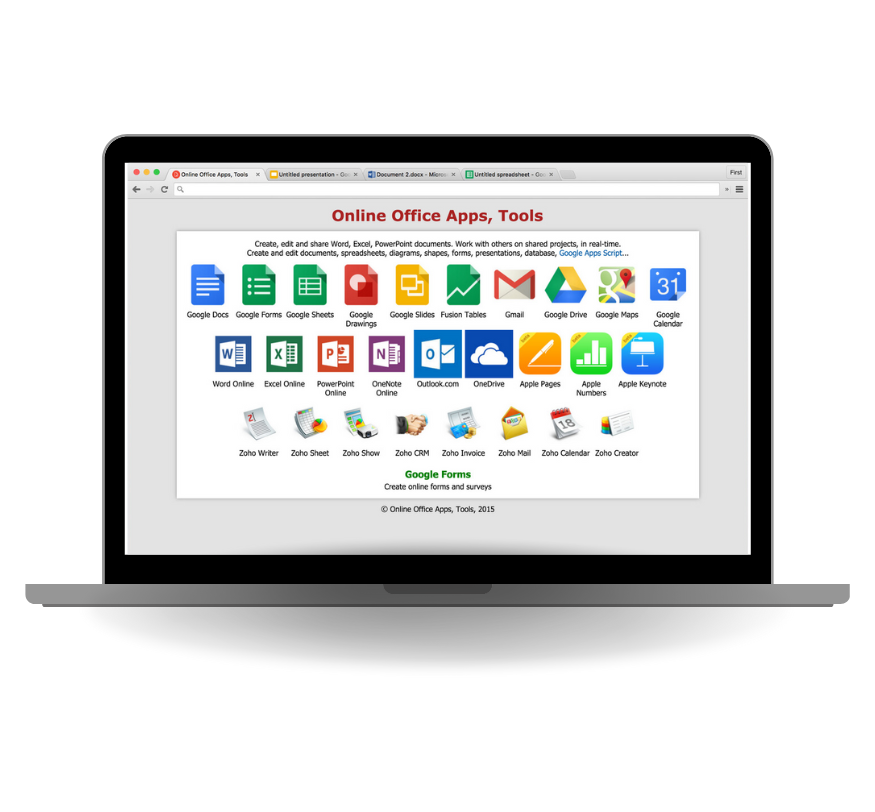
Google Workspace Docs (also known as Google Docs) is an online tool that lets you create, edit, and share documents. It’s part of Google Workspace, a collection of apps for work and productivity. You can use Google Docs from your web browser or mobile device, and everything is saved automatically in the cloud.
Work Together in Real Time: You can collaborate on the same document with other people at the same time. Everyone can see changes instantly, leave comments, and chat within the document.
Access from Anywhere: Since Google Docs is online, you can access your documents from any device connected to the internet, such as a computer, tablet, or phone. All your work is saved in Google Drive.
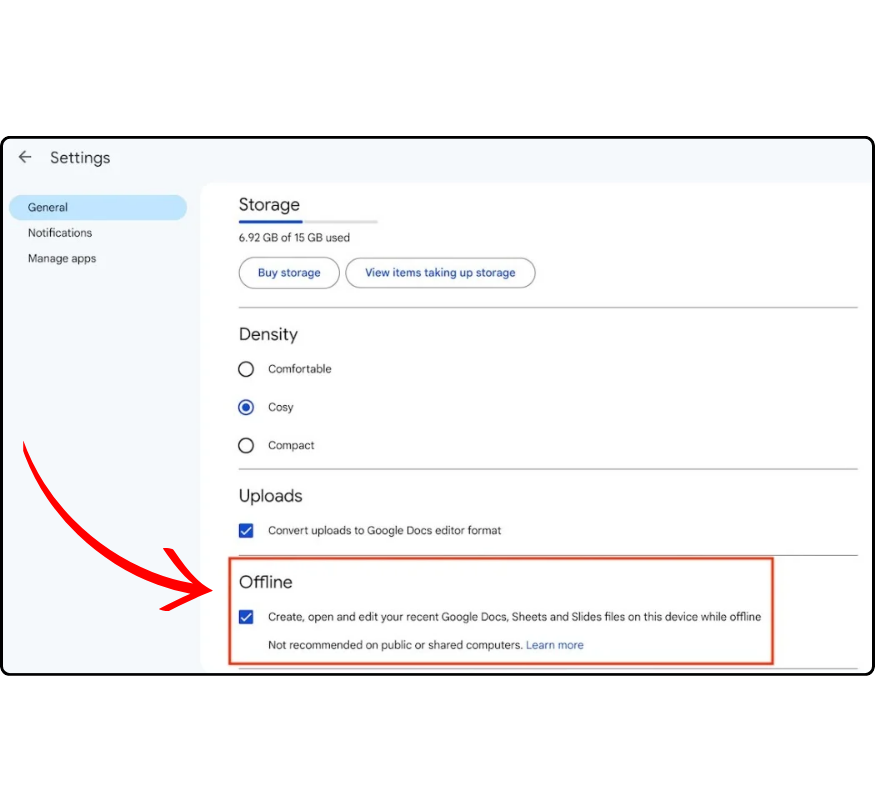
Work Offline
You can still edit your documents when you don’t have an internet connection by enabling offline mode. Your changes will update once you’re back online.
Auto-Save: Google Docs saves your work automatically, so you don’t have to worry about losing any progress.
Easy Sharing and Control: You can share your document with others by sending them a link. You also control if they can view, comment, or edit the document.
Templates for Fast Document Creation: Google Docs offers templates for things like resumes, reports, and letters, which help you create professional-looking documents quickly.
Works with Other Google Apps
Google Docs works smoothly with other Google Workspace tools, like Google Sheets (for spreadsheets) and Google Slides (for presentations). You can easily add charts or data from these tools into your document.
Track Changes: Google Docs keeps a history of changes made to your document, so you can go back to older versions if needed. You can also see who made each change.
Add-ons: You can install extra tools called add-ons to make Google Docs even more powerful, like grammar checkers or tools for citing sources.