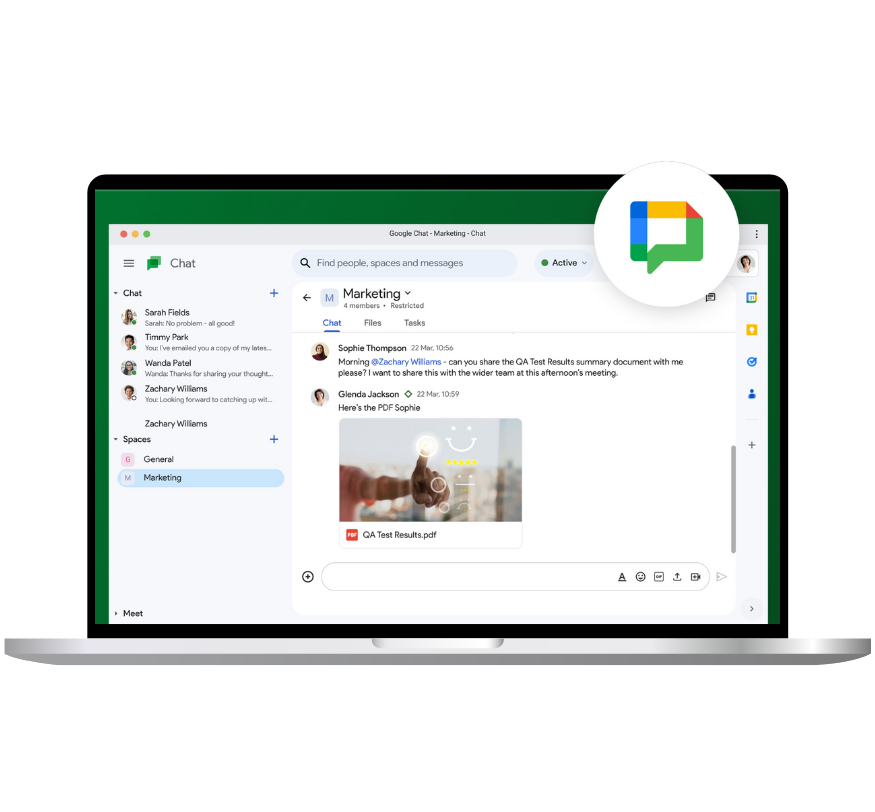
Google Workspace Chats (also called Google Chat) is a messaging app that’s part of Google Workspace. It’s used for sending messages, sharing files, and working together in real-time. You can chat with one person or a group, making it easier for teams to stay connected and organized.
Key Features of Google Workspace Chats: Private and Group Chats: You can send private messages to someone or start group chats with multiple people. This helps teams communicate quickly and easily.
Chat Rooms (Spaces): You can create chat rooms, now called “Spaces,” where teams can talk about specific projects or topics. It’s great for long-term conversations and keeping things organized.
Works with Other Google Tools
Google Chat connects with other Google Workspace tools like Google Drive, Google Docs, and Google Meet. You can share files, set up meetings, or work on documents right from the chat.
Organized Conversations: In chat rooms (Spaces), you can organize chats into different threads. Each thread is focused on a specific topic, making it easier to follow along.
Search Through Old Messages: You can search through past conversations in Google Workspace Chats to find important messages, links, or files that were shared.
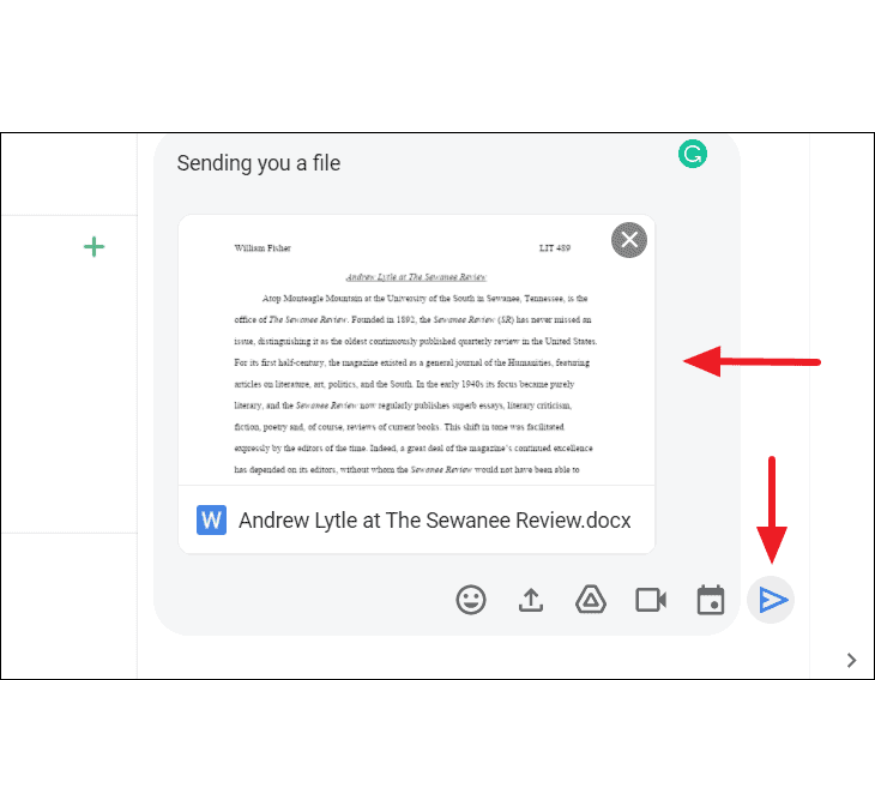
Share Files
You can easily share documents, spreadsheets, or presentations from Google Drive or your device directly in the chat.
Works on Mobile and Desktop: Google Chat works on both your phone and computer, so you can stay in touch with your team wherever you are.
Start Video Meetings: You can switch from chatting to a video meeting by starting a Google Meet directly from Google Chat. This makes it easy to have face-to-face conversations.
Quick Reply Suggestions: Google Chat can suggest quick replies, helping you respond faster with common phrases.